Cyber Security Specialist CV Example and Writing Guide
Fill in this example with your own details on MobilCV: free, no sign-up, works on your phone.
Create My Cyber Security Specialist CVOrganisations look for technical depth, certifications and a strong sense of responsibility. Your CV should show your focus - defence, testing or compliance - and real-world experience, without revealing anything confidential.
State your specialism
SOC analysis, incident response, penetration testing, cloud security and compliance are different paths. Make your focus clear in your title and summary.
Add certifications and lab work
Recognised security certifications and CTF or lab platform work support your experience. List certifications with the year.
Protect confidentiality
Never name clients, specific vulnerabilities or internal system details. Describe the size of the environment and the results in general terms.
What Every Cyber Security Specialist CV Should Include
- Specialism (SOC, testing, cloud, etc.)
- Certifications and years
- Security tools
- Incident response or testing experience (kept confidential)
Example Work Experience Lines
Write your experience in the same concrete, measurable way:
- "Reduced false positives in a SOC handling around 3,000 alerts a day by tuning detection rules."
- "Reported and tracked remediation of more than 40 findings from annual internal penetration tests."
Skills You Can Highlight
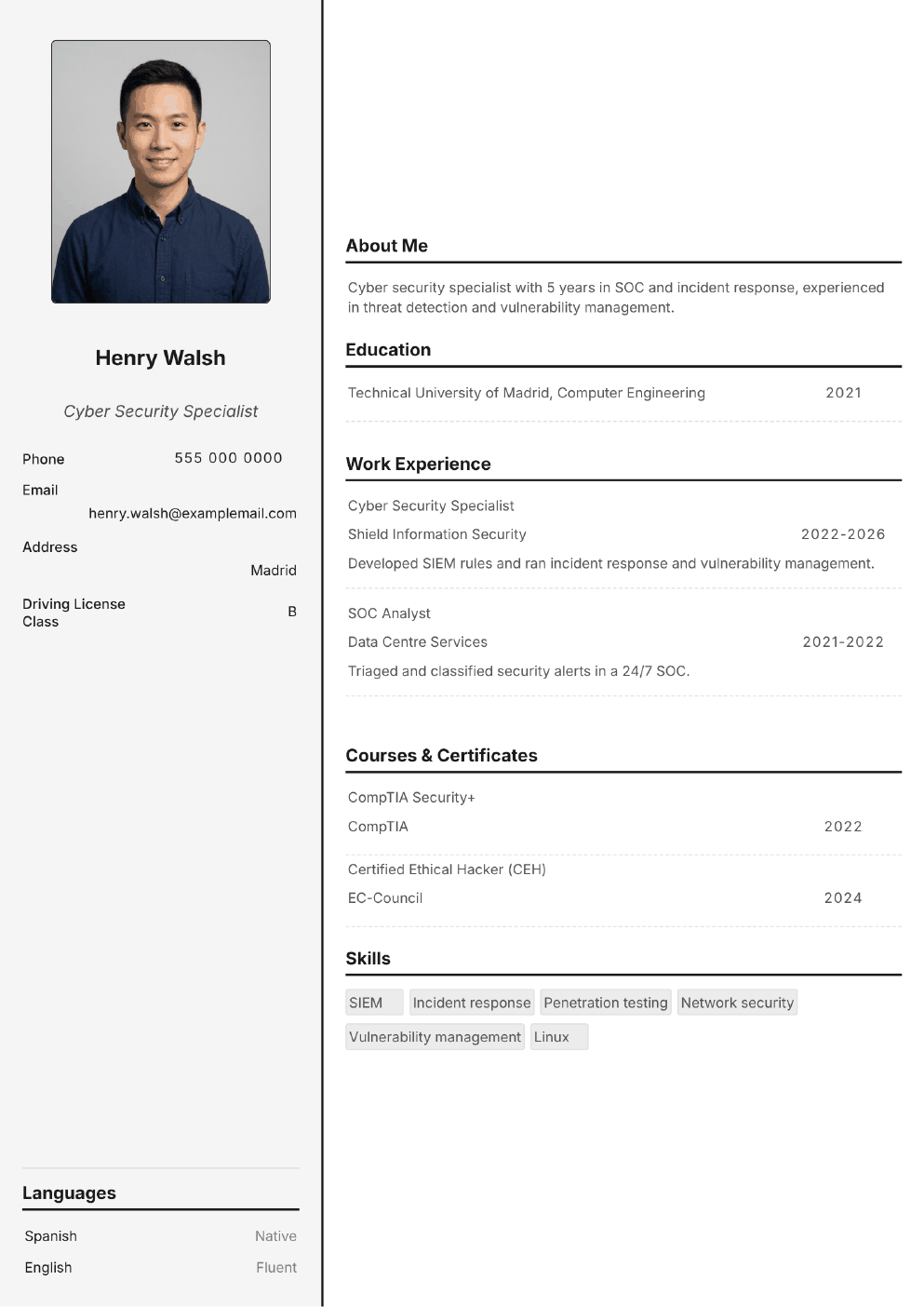
Completed Cyber Security Specialist CV Example
This example is a real PDF created with MobilCV. All names and companies are fictional, and the portrait in the photo version was generated with AI and does not show a real person. Adding a photo is optional and customs differ by country.
More CV Examples
 Front-end Developer CV Example
 Mobile App Developer CV Example
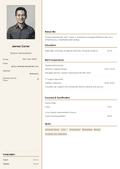 System Administrator CV Example
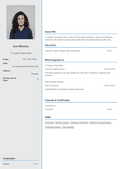 IT Support Specialist CV Example
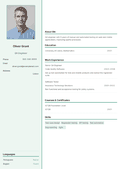 Software Tester CV Example
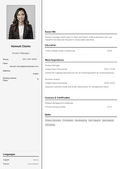 Product Manager CV Example
Create your CV now!
Create Your CV With MobilCV